
Table Of Contents
Introduction
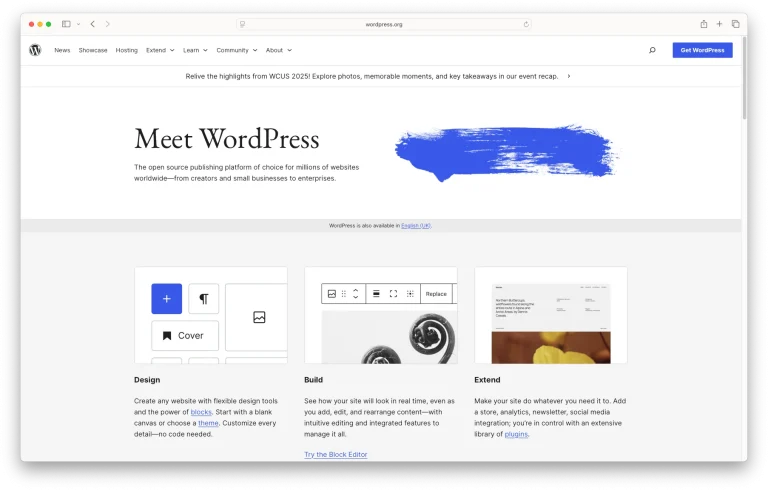
Think of a website as your “digital home”: the domain is your address, hosting is the land, and WordPress is the structure + furniture. In 2025, WordPress stays popular because it’s easy, flexible, and scales from blogs and portfolios to full ecommerce.
Goal: a clean, fast, secure starter site you can grow over time.
Getting Started
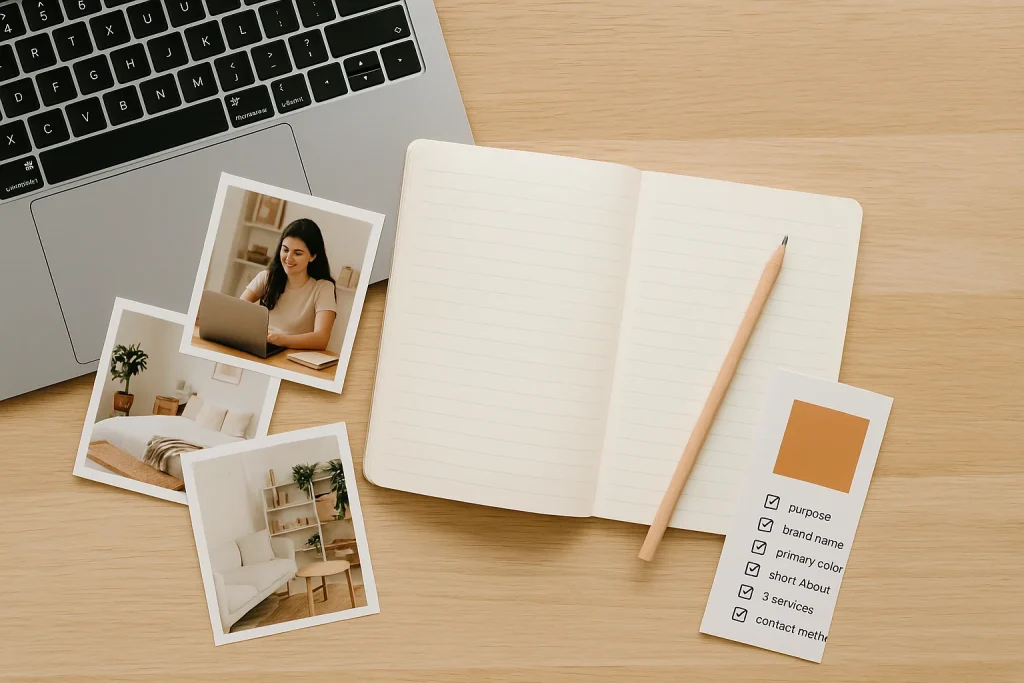
- Purpose: Blog, portfolio, service site, or store?
- Style references: 2–3 sites you like (color, layout, tone).
- Starter content: logo, 5–8 good photos, short copy (About, Services, Contact).
- Budget (per year): Domain $10–$25, Hosting $50–$150+.
Quick checklist: purpose, brand name, primary color, short About, 3 services, contact method.
Buy Domain & Hosting
Domain: Pick something short, memorable, and easy to spell. Popular choices include .com, local TLDs like .my, or .co.
Hosting (starter-friendly):
- Shared/WordPress hosting: affordable and simple for beginners.
- Managed WordPress hosting: faster and more secure, with premium support.
- Cloud/VPS hosting: flexible and scalable, but requires some technical skills (you can upgrade later).
Pro Tips:
Look for hosting that includes free SSL, automatic backups, 24/7 support, and servers close to your audience.
Avoid long contracts when you’re just starting—test with a 1-year plan first.
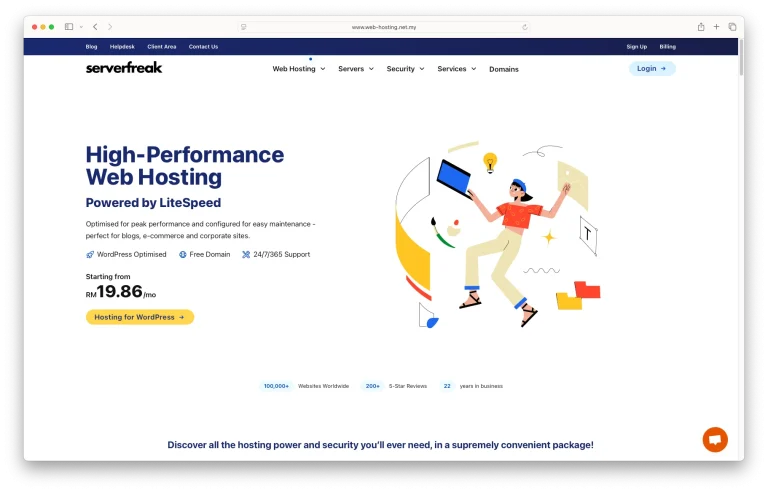
Personal Recommendation: I’ve been using Serverfreak for almost 9 years, and they’ve been solid in terms of support, uptime, and services. Their customer service is responsive (live chat and ticketing are quick), which makes them beginner-friendly and stress-free. If you’d like to support this guide, you can also use my affiliate link to sign up.
Install WordPress
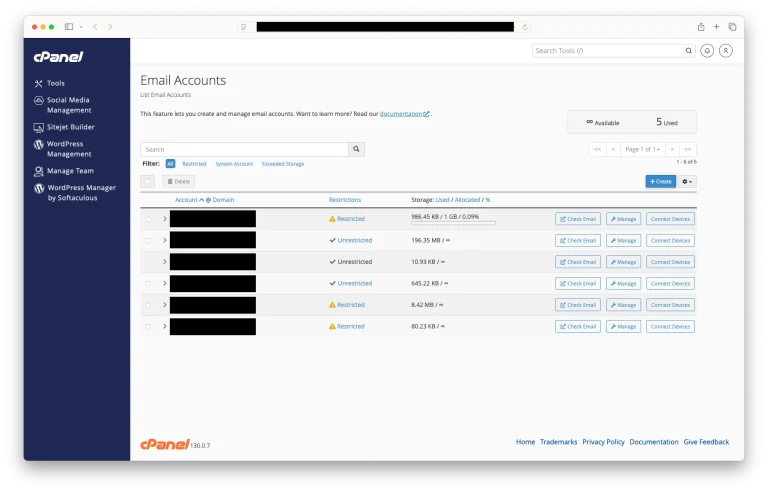
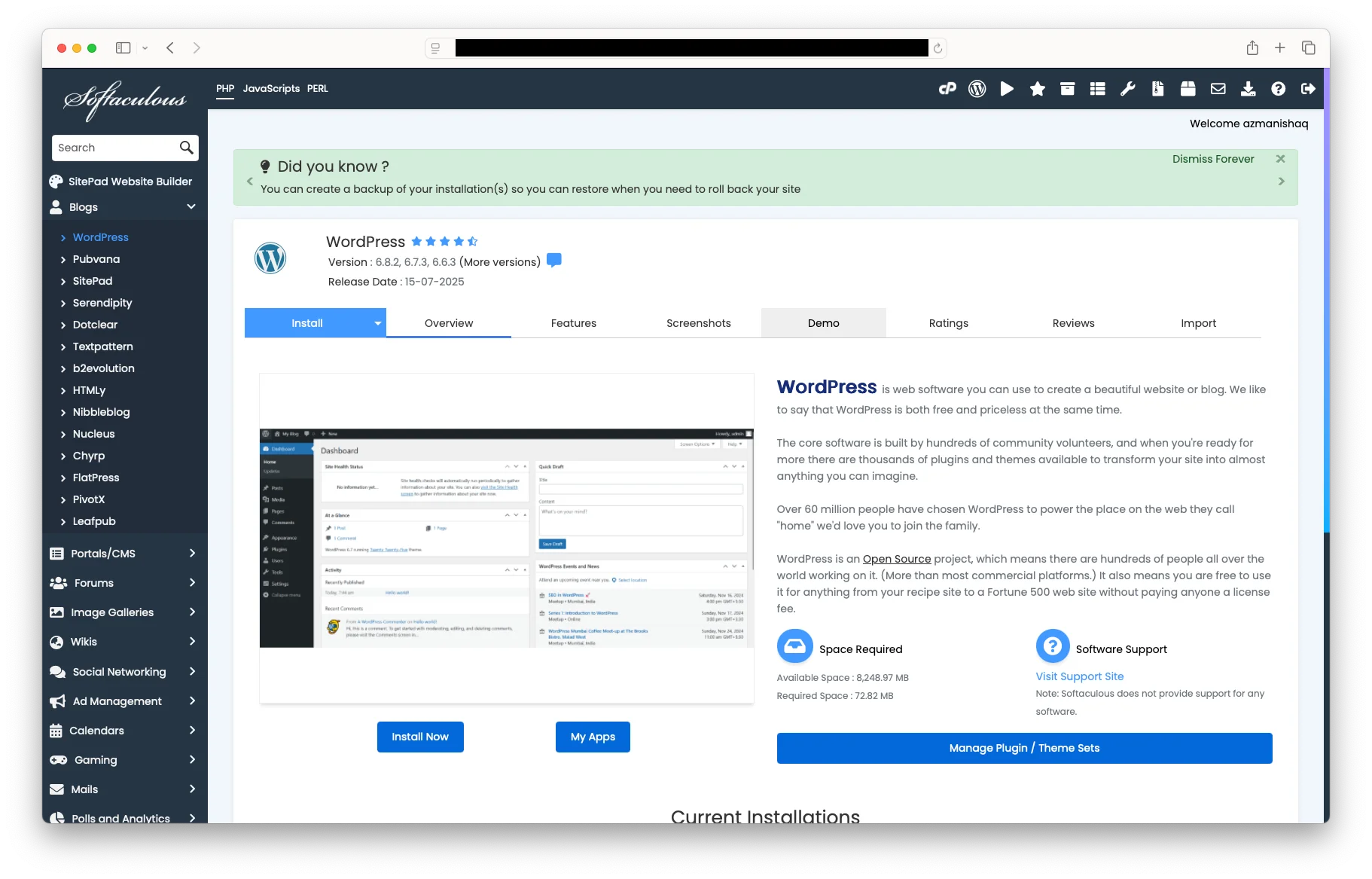
Easiest path (1-click): In cPanel/Plesk, open WordPress Installer/Softaculous, enter your site name, set a strong admin password → install.
Manual (short): Download WordPress, upload via FTP/File Manager, create a database, edit wp-config.php, and run the installer.
After install:
- Login at yourdomain.com/wp-admin
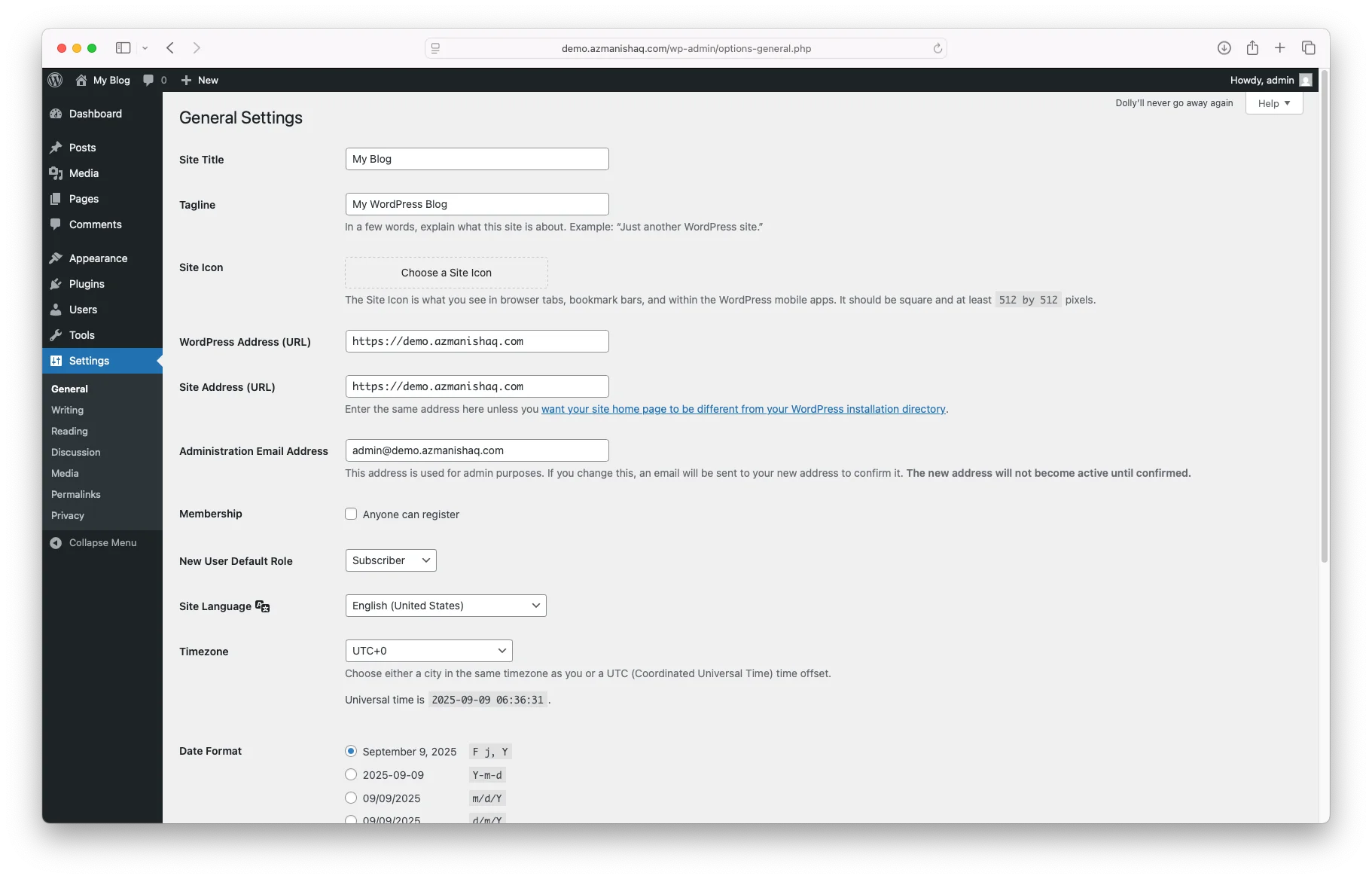
- Set Site Language, Timezone, and Site Title
Explore the Dashboard
Key areas:
- Posts (blog articles)
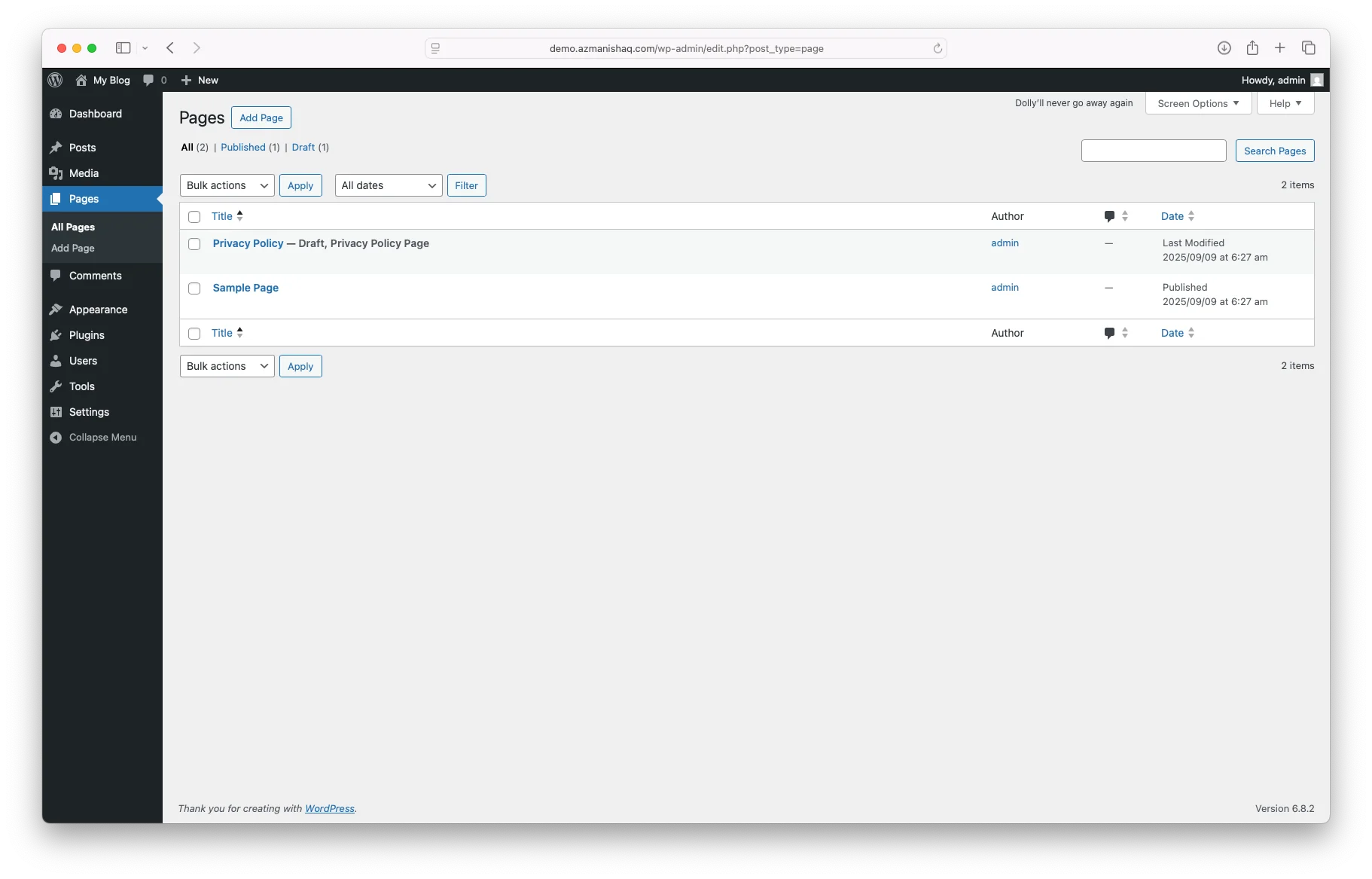
- Pages (static content like Home, About)
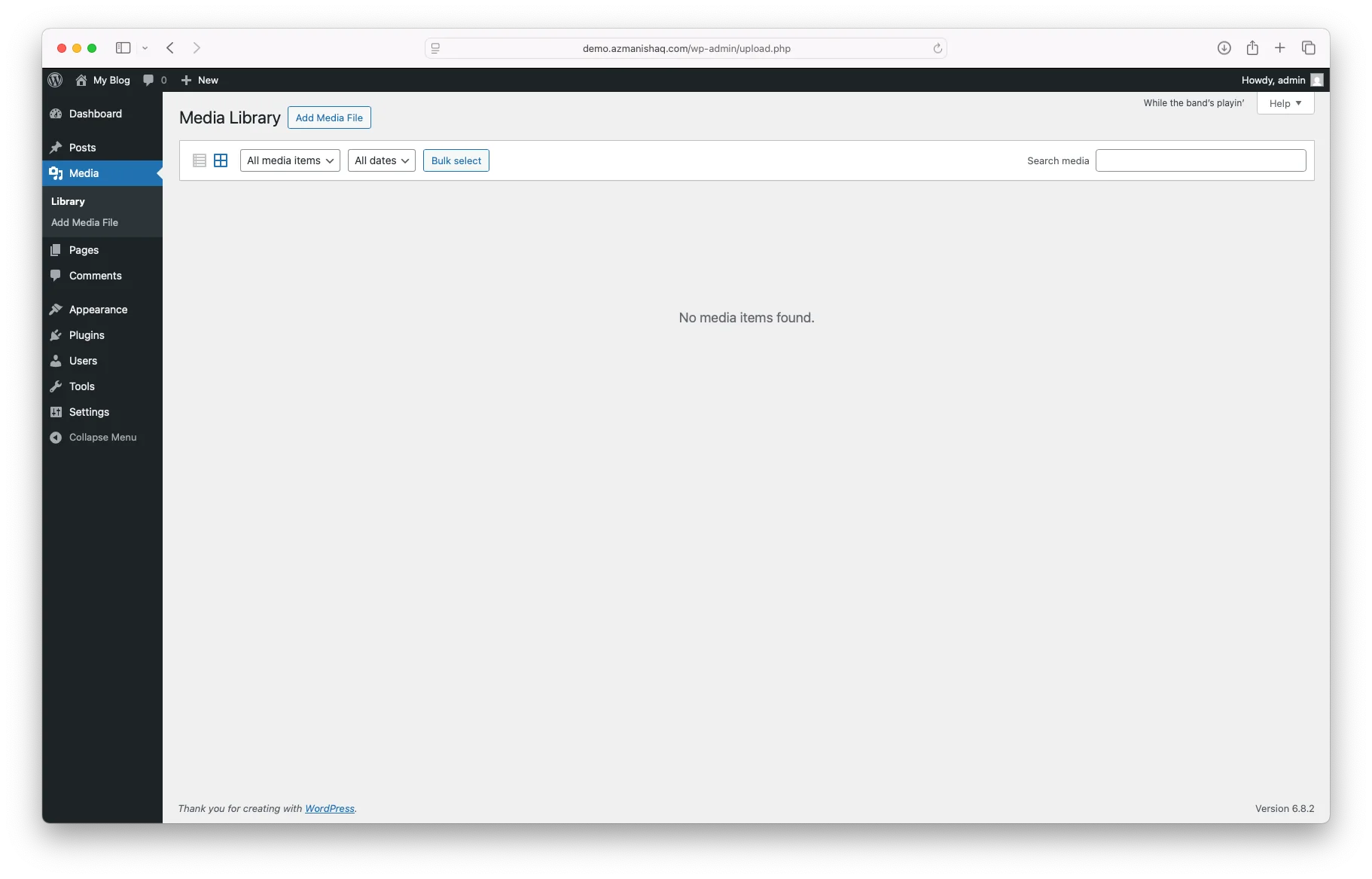
- Media (images/files)
- Appearance (themes)
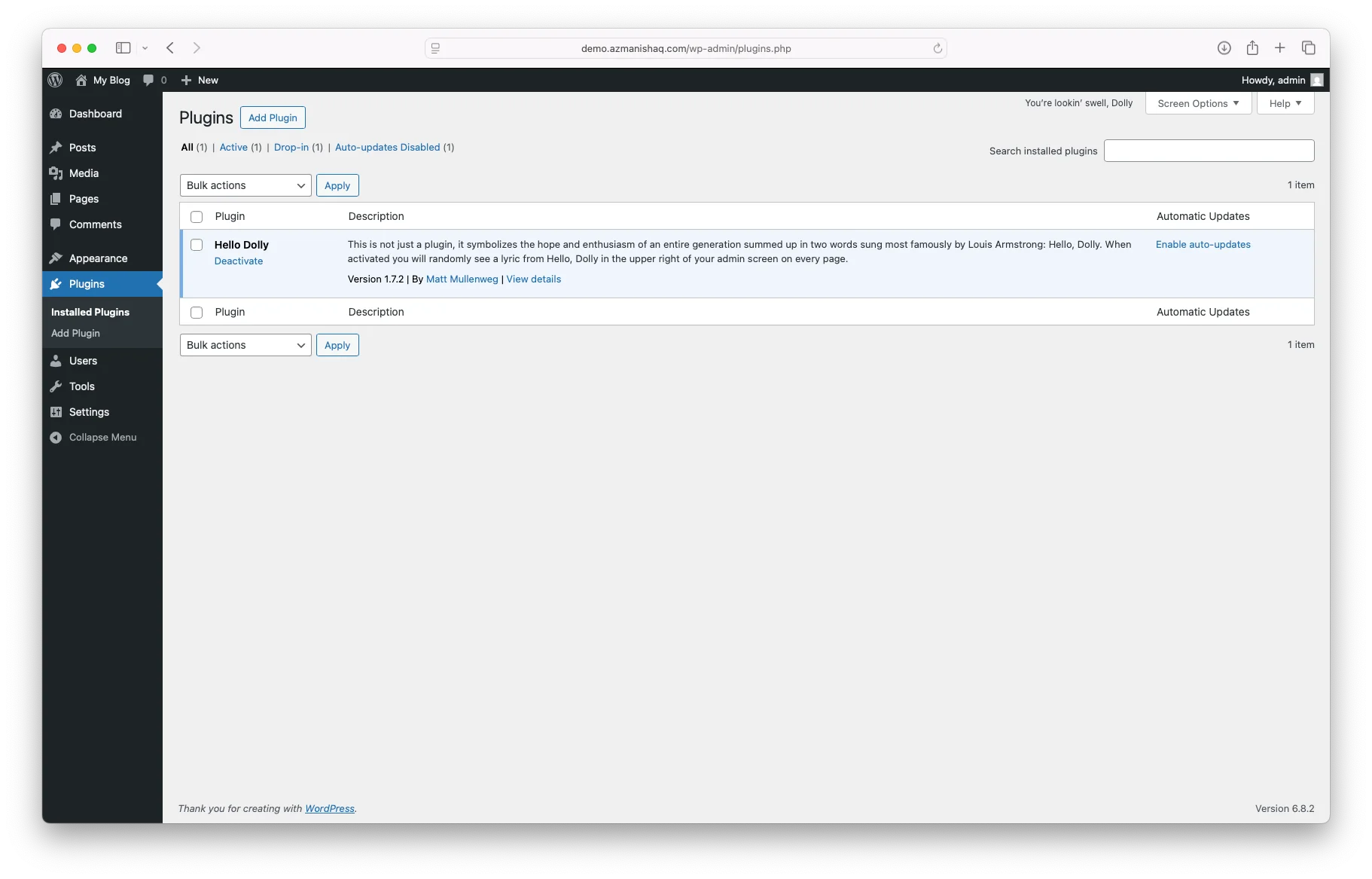
- Plugins (features)
- Settings
Difference: Posts are for ongoing content, Pages are for timeless info.
Choose & Install Theme
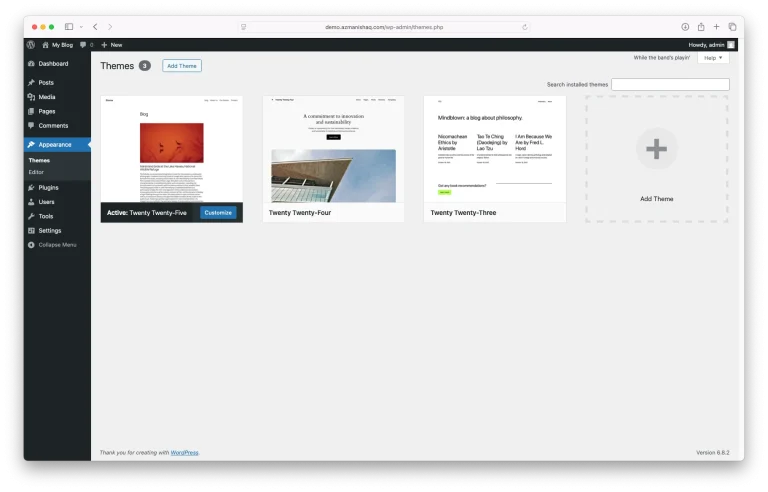
How to choose: simple, fast, well-rated, actively updated.
Free vs Premium: Free is enough to start; premium gives more design & support.
Install: Appearance → Themes → Add New → Search → Install → Activate.
Customize: via Customizer or Site Editor (for block themes).
Quick test: mobile view, readable fonts, clear buttons.
Install Essential Plugins
Starter picks:
- Security: Wordfence / iThemes Security
- Backup: UpdraftPlus
- SEO: Rank Math / YoastPerformance: LiteSpeed Cache / WP Rocket
- Forms: WPForms / Contact Form 7
Keep it lean → too many plugins = slow site & conflicts.
Create Your First Pages
- Core pages: Home, About, Services/Blog, Contact.
- Static homepage: Settings → Reading → A static page → Home.
- Contact form: Create with a plugin & embed on the Contact page.
- Footer basics: address, email/WhatsApp, copyright, social links.
Optimize Your Website
- Permalinks: Settings → Post name.
- SSL: Enable HTTPS (padlock).
- Speed: Caching + image compression (WebP).
- Mobile: Test readability & tap targets.
- SEO basics: clear titles, H2s for sections, alt text for images.
Launch & Grow
Pre-launch: test links, forms, and mobile view.
After launch:
- Share on social & Google Business Profile.
- Publish 1 post/week (consistency beats perfection).
- Monitor with Search Console & Analytics.
Conclusion
Building a site isn’t a one-day sprint—it’s a journey. Start small, keep it simple, and improve as you go. With solid basics, WordPress can grow with you, whether it’s for blogging, a business site, or full ecommerce.